Overview
 Unity
 Augmented Reality
 Web
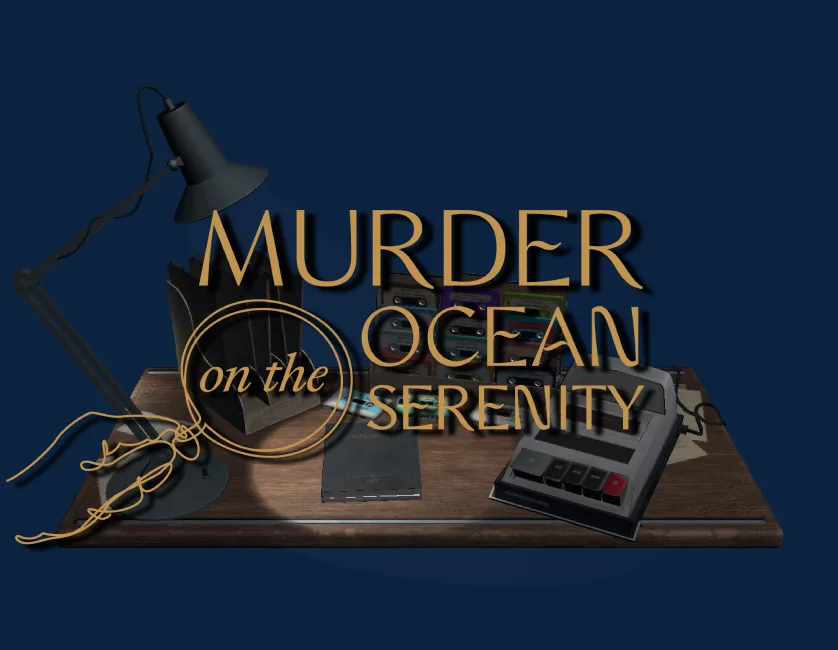
This Unity WebGL project was developed as part of an on-ship entertainment experience for a major cruise liner. The client wanted to evolve their existing web-based mystery game into a more immersive, interactive format, something that could be hosted locally on the ship and engage passengers in a playful, investigative AR experience.
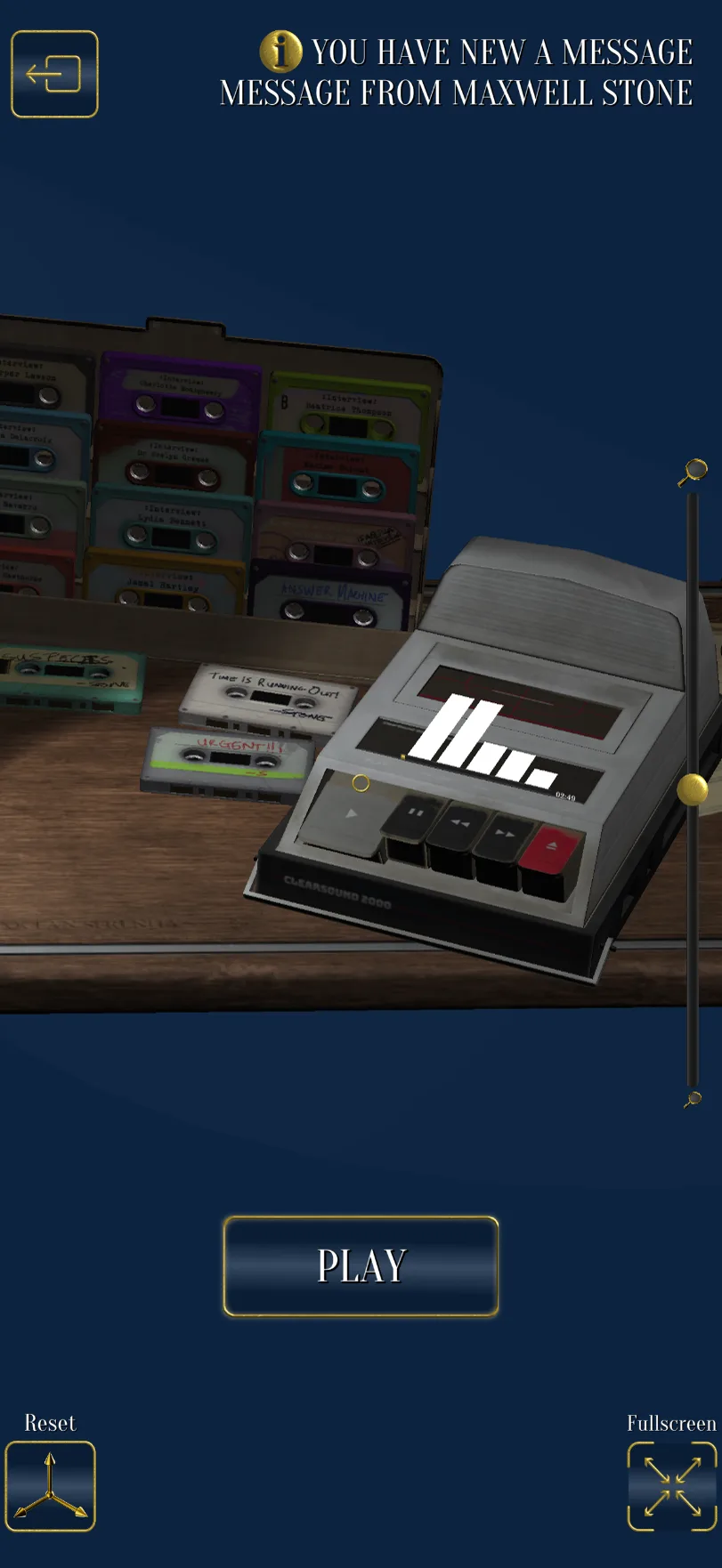
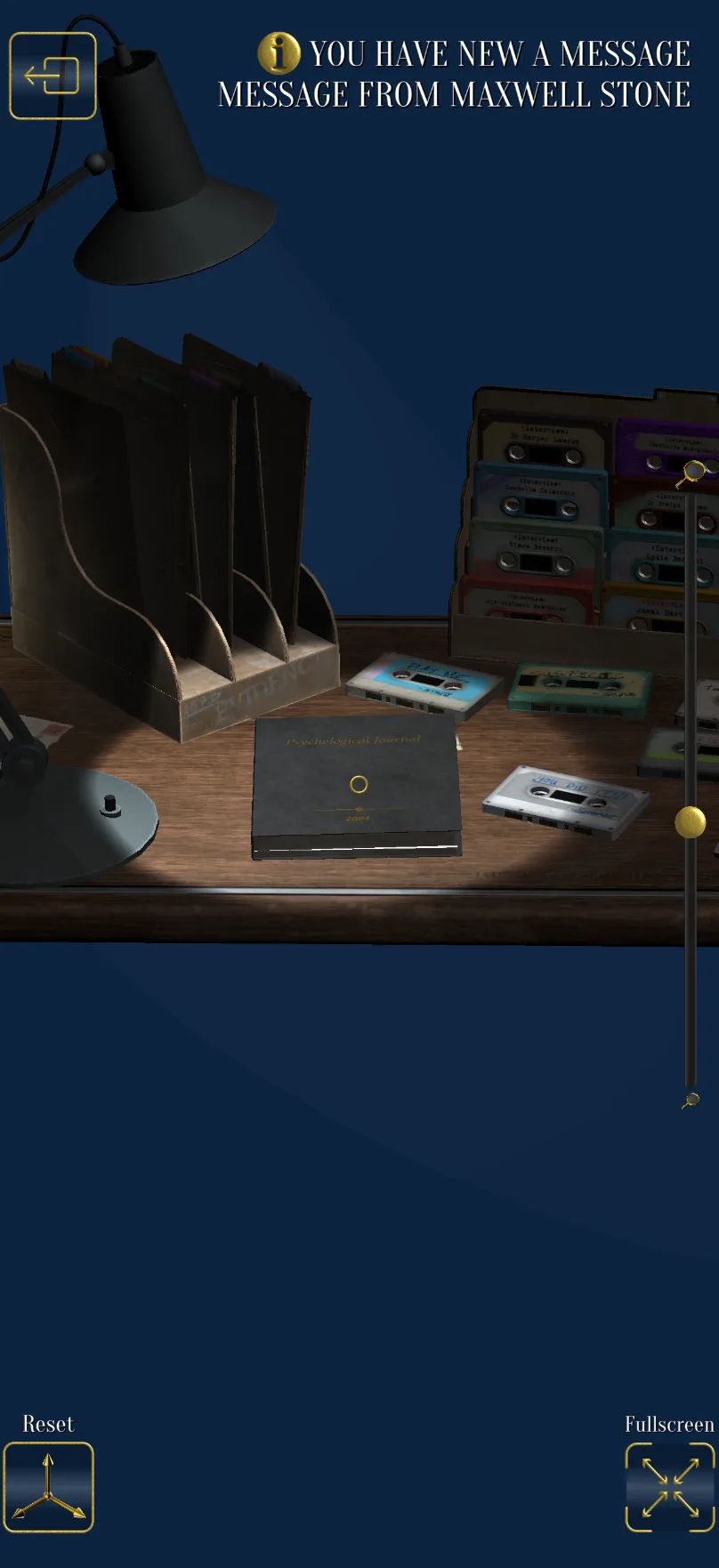
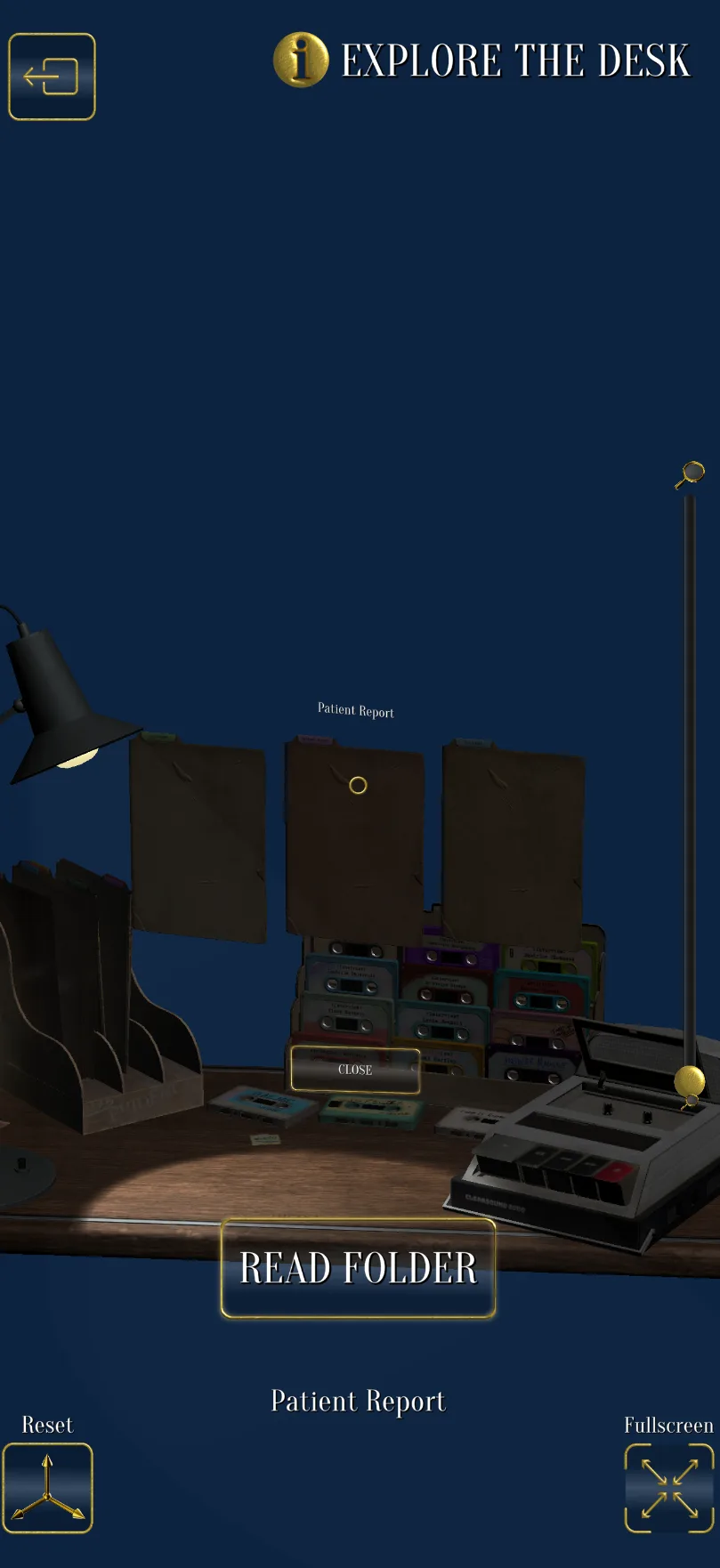
The redesigned game placed players at a virtual desk using augmented reality, where they could explore evidence packets with three degrees of freedom: picking up cassette tapes, inserting them into a player, and reading through booklets. I built a fully interactive cassette player system, allowing users to drag tapes into the player and operate buttons to play, rewind, or fast-forward audio.
Gameplay Mechanics
In order for the user to interact with the elements on the desk, I implemented a custom interaction system using raycasting from the camera to detect when the user was looking at an interactive object. When the user looked at an object, we initially had hovered objects receive an outline effect to show that they were being hovered, but we had to do away with this as it proved too costly for mobile devices. Instead, we implemented 2D and 3D UI elements that would fade in when the user hovered over an object, showing the name of the object and any relevant interaction prompts. This system was used for all interactive objects on the desk, including cassette tapes, the cassette player buttons, books, and documents.
Waveform Audio Visualisation
As part of the visuals for the cassette player, the client wanted a waveform display to visualise the audio. In Unity, we could just read the audio as we played it, and turn these values into a range of float values that I could then apply to an image in a diegetic UI canvas. This worked well apart from two issues: reading audio every frame can be very costly, and WebGL did not natively support the audio processing features we needed to read the audio in real time.
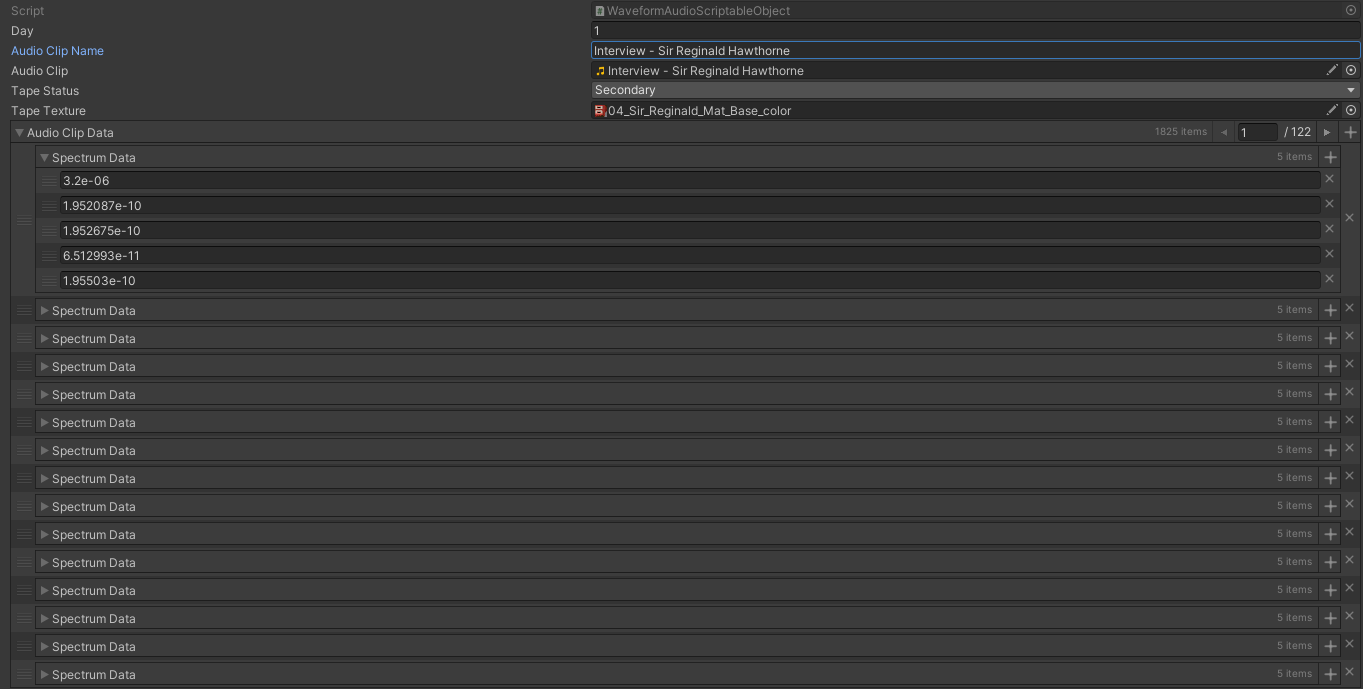
To solve these issues, I implemented a lightweight scriptable object solution to display accurate audio visualisations (transcribed waveform bars) without needing to process audio clips in real time. To do this, I created tools that would play an audio track in a test scene, listen to the audio data, and add spectrum data to a scriptable object that would then be saved to the project. Then at runtime, instead of transcribing the audio, I could read the data straight from the scriptable object.
The playback controls were synced with these visualisations, ensuring smooth and responsive interaction. This approach not only optimised performance for WebGL but also provided a visually engaging experience that enhanced the overall immersion of the game.
Web APIs
As part of the game, we needed to progress the player through the story depending on what day of the cruise the user is currently on. For this we would request the ship's API on the ship's internal network to get the current day, and then use this information to load in the correct version of the desk.
We also needed to submit player answers to a local leaderboard with a POST request. Earlier in the experience, the user would input their username and a unique ID would be generated and saved to the web page's cookies. In order to update the correct user when submitting answers, we would read the cookie data to get the unique ID, and then include this in the POST request to the ship's API to update the correct user on the leaderboard.
QR Code Scanner
One of the final puzzle mechanics involved a real-world QR code hidden at the ship's cocktail bar. I developed a scanner using a picture recognition plugin that would scan the user's picture data and output a code from any detected barcode or QR code. Afterwards we would check the code against the expected value and then set the corresponding flag. After returning to the desk, users will discover the last piece of evidence on their desk.